When working on real-world Laravel applications, you eventually face situations where you need to fix or update existing data in production.
It might be:
- correcting inconsistent records
- updating business logic applied to stored data
- cleaning legacy data after a feature change
The question is always the same:
Where should this logic live?
Putting it in a controller or a one-off script is risky.
Using migrations is not always appropriate for data-level operations.
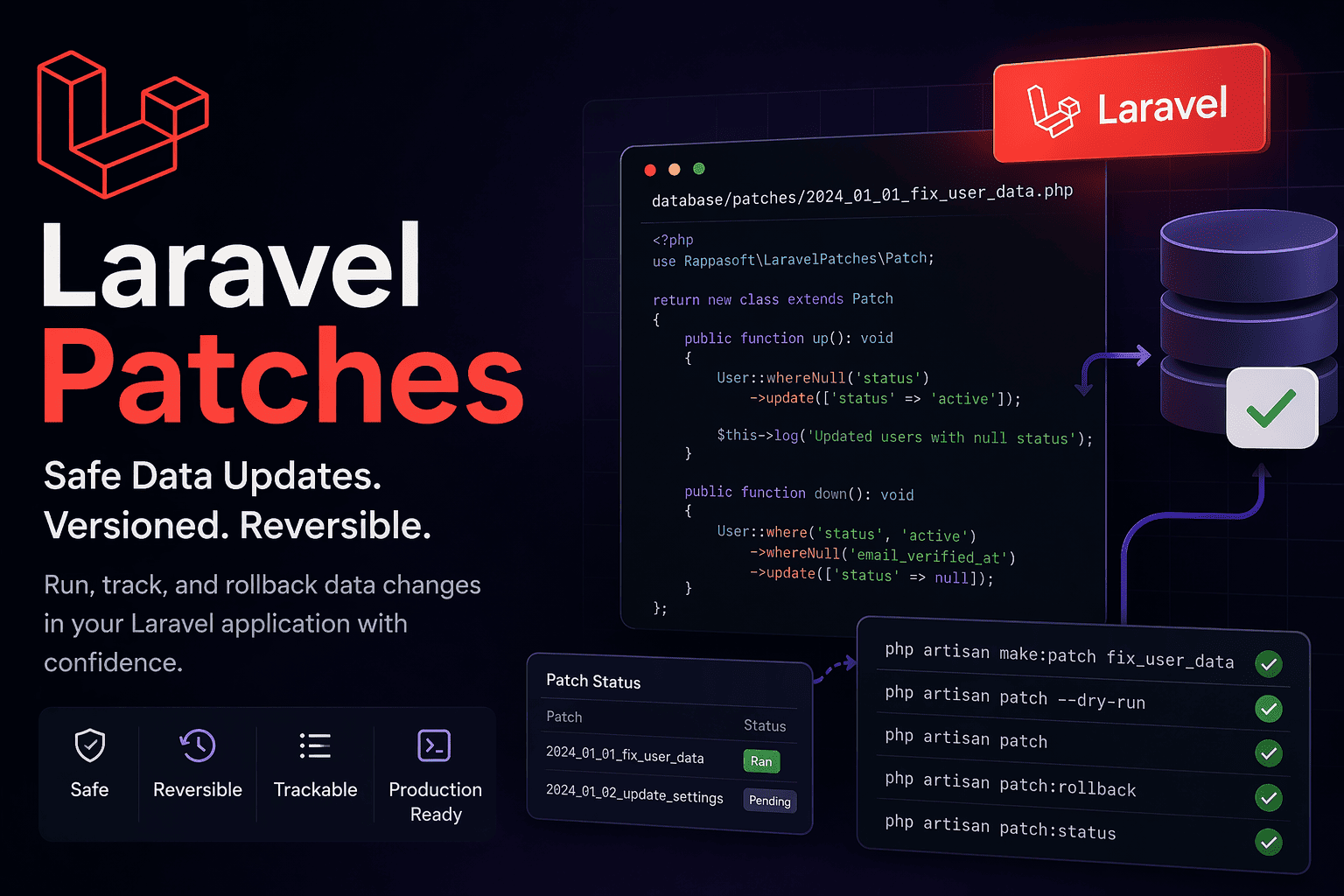
This is where Laravel Patches becomes a very practical solution.
What is Laravel Patches?
Laravel Patches introduces a structured way to write, run, and track data changes over time.
Think of it as:
“migrations, but focused on data instead of schema”
Each patch is:
- versioned
- executable
- reversible
- trackable
Creating Your First Patch
You can generate a patch using:
php artisan make:patch fix_user_data
This will create a timestamped file in:
database/patches/
Inside, you define your logic:
public function up()
{
User::whereNull('status')
->update(['status' => 'active']);

$this->log('Updated users with null status');
}

public function down()
{
User::where('status', 'active')
->whereNull('email_verified_at')
->update(['status' => null]);
}
Running Patches Safely
To execute all pending patches:
php artisan patch
Before running anything in production, you can preview:
php artisan patch --dry-run
This gives you full visibility of what will run, without touching the database, Output example:
Dry run mode - No patches will be executed
Would run: 2024_01_01_000000_fix_user_data
Would run: 2024_01_02_000000_update_settings
Total patches: 2
If you want better control during testing:
php artisan patch --step
Each patch runs in its own batch, making rollback easier.
Rolling Back Changes
If something goes wrong, you can rollback:
php artisan patch:rollback
Or rollback a specific number of patches:
php artisan patch:rollback --step=3
This makes patches much safer than ad-hoc scripts.
Monitoring and Visibility
You can check the status of your patches at any time:
php artisan patch:status
Output example :
┌────────┬──────────────────────────────┬───────┬─────────────────────┬───────────┬─────────┐
│ Status │ Patch                        │ Batch │ Ran On              │ Time (ms) │ Status  │
├────────┼──────────────────────────────┼───────┼─────────────────────┼───────────┼─────────┤
│ ✓      │ 2024_01_01_fix_users         │ 1     │ 2024-01-15 10:30:00 │ 145       │ Success │
│ ✓      │ 2024_01_02_update_settings   │ 1     │ 2024-01-15 10:30:01 │ 89        │ Success │
│ ⋯      │ 2024_01_03_cleanup_data      │ Pending│ -                  │ -         │ Pending │
└────────┴──────────────────────────────┴───────┴─────────────────────┴───────────┴─────────┘
Ran: 2
Pending: 1
Total: 3
Or list them:
php artisan patch:list
Output example :
[
  {
    "name": "2024_01_01_fix_users",
    "status": "success",
    "batch": 1,
    "ran_on": "2024-01-15 10:30:00",
    "execution_time_ms": 145
  },
  {
    "name": "2024_01_02_update_settings",
    "status": "pending",
    "batch": null,
    "ran_on": null,
    "execution_time_ms": null
  }
]
This gives you a clear view of:
- what has run
- what is pending
- execution time and batches
Going Further: Events
Laravel Patches also emits events during execution.
For example:
Event::listen(PatchExecuted::class, function ($event) {
   Log::info("Patch {$event->patch} executed in {$event->executionTime}ms");
});
This opens the door to:
- monitoring
- alerting (Slack, email…)
- performance tracking
- audit logging
When Should You Use It?
Laravel Patches is particularly useful when:
- you need repeatable data fixes
- your deployment process must stay clean and automated
- you want traceability of data changes
- your team works on production-critical applications
Best Practices
- Always run
--dry-runbefore production - Use clear and descriptive patch names
- Test patches in staging
- Use
--stepwhen introducing new patches - Keep patches small and focused
Final Thoughts
Laravel gives us great tools for schema management with migrations.
Laravel Patches complements that by bringing discipline to data changes.
Instead of writing temporary scripts or manual fixes, you now have a structured, versioned, and reliable workflow.
And over time, that makes a real difference in maintaining clean and predictable systems.
👉 GitHub: rappasoft/laravel-patches